
php2shell: what small businesses on WordPress should do this week
Two critical security flaws in PHP, the software behind WordPress and most small-business websites, went public on October 21, 2026. Here’s what they mean in plain English, and the one question to ask your web host.
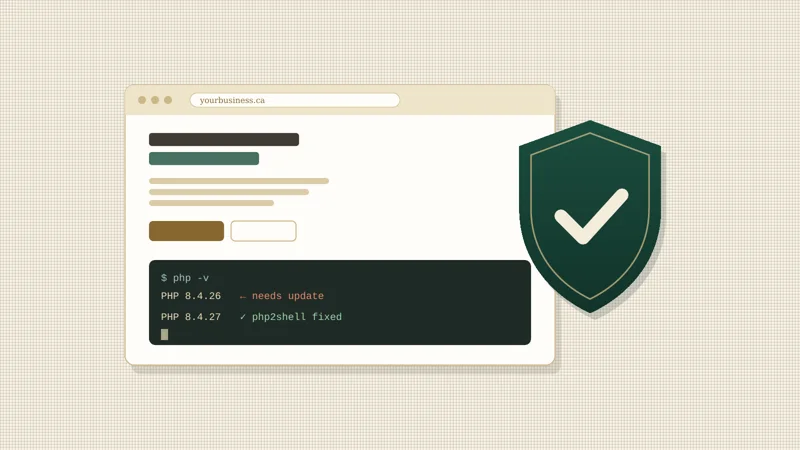
The short answer: if your website runs on WordPress or anything else built with PHP, ask your web host today to confirm your site is on PHP 8.5.12, 8.4.27, 8.3.36 or 8.2.35 (or newer). Updating WordPress or your plugins does not fix this one. The fix has to happen on the server.
What happened
On October 21, 2026, the PHP project released security updates for two critical flaws, tracked as CVE-2026-109618 and CVE-2026-109619 and nicknamed php2shell.1 Under the right conditions, they let an attacker run their own code on a website’s server without logging in. In security terms that’s called remote code execution, and it’s about as serious as it gets.
The flaws were found by security researchers at Calif, Wiz, OpenAI and Quarkslab and fixed in coordination with the PHP Foundation.2 News of them leaked a day before the planned release, and Cloudflare reported seeing attack traffic aimed at websites soon after.3 That’s why this is worth dealing with this week rather than someday.
Who is affected
Any website whose server runs PHP version 5.4 or later.3 PHP powers roughly 70% of websites, including WordPress, WooCommerce and Magento, so that covers a large share of small-business sites built in the last fifteen years.
If your site is on a fully hosted platform like Shopify, Squarespace or Wix, the platform manages its own servers, so there’s nothing for you to update yourself.
What could happen
On a server that hasn’t been updated, an attacker could crash the site, read private information such as contact-form messages, or take control of the server to plant spam or malware. None of that means your site has been attacked. It means the door should be closed now, before anyone tries it.
What to do this week
- Find out what your site runs on. If you log in at yoursite.com/wp-admin, it’s WordPress. If you’re not sure, ask whoever built or looks after it.
- Ask your web host to confirm your PHP version is patched. Most managed WordPress hosts update PHP for you. Older shared plans, and servers someone set up years ago, often don’t. You can usually see your version yourself in WordPress under Tools → Site Health → Info → Server. If you have a developer, OpenAI has published a free php2shell checker that reads the PHP version a site reports, without attacking it. Many servers hide their version, though, so an “unknown” result doesn’t mean you’re safe.4
- If you’re on PHP 8.1 or older, those versions no longer get official updates from the PHP project.1 Ask your host about moving to a supported version, and have someone check your site afterwards, since older themes and plugins can break on newer PHP.
- If your site is behind Cloudflare, leave its security rules switched on. Cloudflare added protections for this on every plan, including the free one.3 It’s a helpful extra layer, but it doesn’t replace the update.
- Keep an eye out for anything odd: admin users you don’t recognise, pages you didn’t create, or visitors being redirected somewhere else. If you see any of that, contact your host right away.
Questions to ask your web host
Copy these into an email:
- Which PHP version is my website running right now?
- Have you applied the October 21, 2026 PHP security update for CVE-2026-109618 and CVE-2026-109619?
- If my PHP version is no longer supported, what’s the plan to upgrade it?
- Is my site backed up, and how quickly could you restore it if something went wrong?
Common questions
Do I need to update WordPress or my plugins?
It’s always a good habit, but it won’t fix php2shell. The flaws are in PHP itself, the software running on the server underneath WordPress, so your host has to update it.
Does this mean my website has been hacked?
No. It means sites on unpatched servers are open to attack until the update is applied. Most hosts will move quickly, but it’s worth confirming rather than assuming.
How do I check my PHP version?
In WordPress, go to Tools → Site Health → Info and open the Server section. Otherwise, your host’s control panel or support team can tell you in a minute.
My site is on Shopify, Squarespace or Wix. Do I need to do anything?
No. Those platforms run and update their own servers.
Why the sites we build weren’t affected
The websites we build are hand-built and served from Cloudflare’s global network. They don’t run PHP, WordPress or plugins, so there was nothing for our clients to patch this week. That’s a big part of why we build them this way: fewer moving parts means fewer things for a busy owner to keep on top of.